
Home security cameras in Australia, buyer's guide 2026
Aussie home security camera market has 20+ brands. Here's what matters, which ones are worth buying, and what's changed with the move from cloud to local storage.
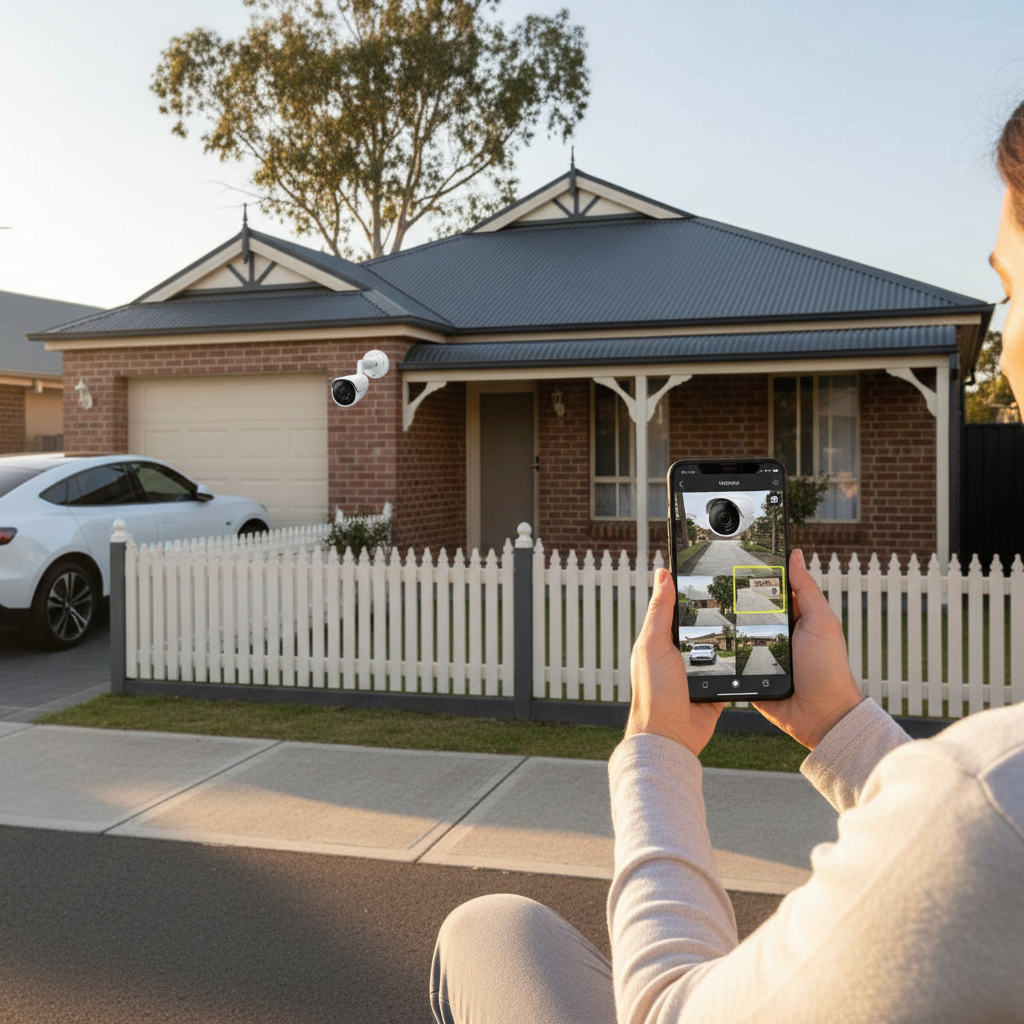
The Australian home security camera market has 20+ brands selling 100+ models. Most are competent, some are great, some are surveillance theatre. Here’s the breakdown for 2026.
The questions that decide the right camera for you
- Indoor or outdoor? Outdoor cameras need IP65+ weatherproofing
- Battery, mains, or PoE? Battery for flexibility, mains for always-on, PoE for permanent install with reliable power
- Wi-Fi or NVR-based? Wi-Fi for simple, NVR for serious multi-camera setups
- Local or cloud storage? Local (microSD or NVR) for privacy, cloud for convenience
- Smart home integration? HomeKit, Google Home, Alexa, or none?
- Resolution? 2K is enough for most. 4K matters for licence plates and faces at distance.
Top picks by category
Best all-rounder: Reolink Argus 4 Pro
- 4K resolution
- Solar-rechargeable battery (with optional solar panel)
- Local microSD storage (up to 256GB)
- No subscription required for basic features
- Outdoor-rated (IP65)
- Google Home and Alexa support
- $200 to $300 each
Why it wins: 4K + solar means you never charge it, never pay a subscription, and have plenty of detail when you need it.
Best for HomeKit: Aqara Camera Hub G3
- 2K resolution
- HomeKit Secure Video support (encrypted cloud, end-to-end)
- Doubles as Zigbee hub for other Aqara devices
- Local storage on microSD
- $150 to $200
Why it wins: HomeKit Secure Video means recordings are encrypted end-to-end, no one (including Apple or Aqara) can access them. Best privacy + smart home integration.
Best premium: UniFi Protect (Ubiquiti)
- Full PoE network camera system
- Local NVR storage (you own the recording server)
- Multiple-camera support (up to 50+)
- No subscription
- Excellent app
- $250 to $700 per camera, $400 to $1,500 for the NVR (Dream Machine Pro or Cloud Key Plus)
Why it wins: Serious security, no subscription, total local control. Setup is more involved (requires networking knowledge) but the result is professional-grade.
Best simple Wi-Fi: Eufy Security 4K
- 4K resolution
- Indoor or outdoor models
- Local storage on a HomeBase (their NVR)
- No subscription for local recording
- Apple HomeKit, Google Home, Alexa
- Wireless setup
- $200 to $400 each
Why it wins: Plug-and-play simplicity, no subscription, good integration. The HomeBase is the catch (centralised; if it dies, all cameras lose recording).
Best doorbell: Aqara G4 Video Doorbell
- 1080p, HomeKit + Google + Alexa
- Battery-powered or wired
- Local storage and HomeKit Secure Video
- Two-way audio, motion alerts
- $200 to $300
Why it wins: HomeKit Secure Video on a doorbell is rare. Aqara does it well.
Best for renters: Tapo C100 or Eufy SoloCam E40
- Battery-powered (no wiring)
- 2K, simple Wi-Fi
- No installation damage
- $60 to $150
- Cloud storage optional, local microSD included
Why it wins: Cheapest entry point, no install commitment, can move with you.
Brands to be cautious about in 2026
- Generic Chinese brands (no name on the box): security and privacy questions. Many have been caught sending video back to overseas servers.
- Older Ring (pre-2022): police partnership controversies, US-centric. Australian Ring is fine but not the best privacy option.
- Nest (Google): excellent quality, but tied tightly to Google’s ecosystem and US-data-protected.
Stick to brands with strong privacy practices: Aqara, Eufy, Reolink, UniFi, Logitech.
Storage options compared
| Type | Cost | Privacy | Reliability |
|---|---|---|---|
| Local microSD on camera | $20 to $80 one-off | Best | Camera-failure dependent |
| Local NVR (Reolink, UniFi, Synology) | $300 to $1,500 one-off | Best | Centralised, high capacity |
| Brand cloud (Eufy, Ring, Arlo) | $5 to $15/month per camera | OK | Network-dependent, brand-dependent |
| HomeKit Secure Video (Aqara, Logitech) | Free with iCloud+ ($1.49 to $14.99/mth tied to iCloud storage) | Best (end-to-end encrypted) | Apple-dependent |
| Personal cloud (Google Drive, OneDrive) | Existing storage | Mixed | Depends on app integration |
Network and bandwidth
Each 4K camera uses 2 to 4 Mbps when recording. A 4-camera setup runs 10 to 15 Mbps of internal network traffic plus a smaller chunk to the cloud (if cloud-storing).
- Wi-Fi 5 (802.11ac) handles 4 cameras well
- Wi-Fi 6 (802.11ax) better for 6+ cameras
- PoE-based system best for 8+ cameras (Ethernet, no Wi-Fi load)
Your upload bandwidth matters most for cloud-storing systems. If your NBN upload is under 20 Mbps, run local-only or limit cloud uploads to motion events.
Legal considerations in Australia
Recording video in your own home is generally legal. There are limits:
- Don’t record beyond your property line: cameras pointing at neighbours’ yards or public footpaths can breach privacy law
- Audio recording is stricter than video: in some states, recording a conversation you’re not part of without consent is illegal. Disable audio on cameras at the front door if you have any concerns
- Strata properties: body corporate rules sometimes restrict external cameras
- Rental properties: most landlords allow tenant-installed cameras but check the lease
When in doubt, point cameras at your own property only, and inform visitors there are cameras (a small sticker on the gate is enough).
What I’d buy in 2026
For a typical 4-bed Aussie suburban house:
- Front of house: Aqara G4 Video Doorbell (HomeKit Secure Video on the doorbell)
- Back yard: Reolink Argus 4 Pro (4K solar, no subscription)
- Driveway / side entries: 2x Reolink Argus 4 Pro or Eufy 4K SoloCam
- Indoor (front door area): Aqara G3 Camera Hub (also serves as Zigbee hub)
Total: $700 to $1,100 hardware, no subscriptions. Local storage on microSD or HomeKit Secure Video (free with existing iCloud).
That setup covers the four key approach angles, integrates with smart home, has minimal recurring cost, and respects privacy. Hard to beat for under $1,000 in 2026.
Frequently asked questions
What's a good security camera for an Aussie home?
Depends on what you want. Best all-rounder: Reolink Argus 4 Pro (4K, solar-rechargeable battery, local storage). Best for HomeKit users: Aqara Camera Hub G3. Best premium: UniFi Protect by Ubiquiti. Best simple Wi-Fi: Eufy Security 4K Indoor or Outdoor.
Do I need a subscription for a security camera?
No, but cloud-storage subscriptions ($5 to $15/month per camera) unlock features like extended recording history and AI alerts. Local storage (microSD or NVR) is included free with many brands. For most households, the free local recording is enough.
Are home security cameras worth it?
For deterrence, yes, visible cameras reduce break-in attempts by 50%+ in studies. For evidence and recovery, less clear; police investigation rates for residential break-ins are low. Cameras add the most value combined with smart lighting and a smart lock as part of a layered security setup.
Can I install a security camera myself in Australia?
Most yes. Wi-Fi cameras and battery-powered ones plug into a power point or run on charge. PoE (Power over Ethernet) cameras need a network cable run, which can be DIY for a network-savvy homeowner. Mains-wired cameras with hardwired AC require a licensed electrician.