
How to install a TV wall mount safely, the Aussie home edition
Wall-mounting a TV is fast when you find the stud, slow when you don't. Here's the right way to mount, with cable management, and when to get a sparky for the power.
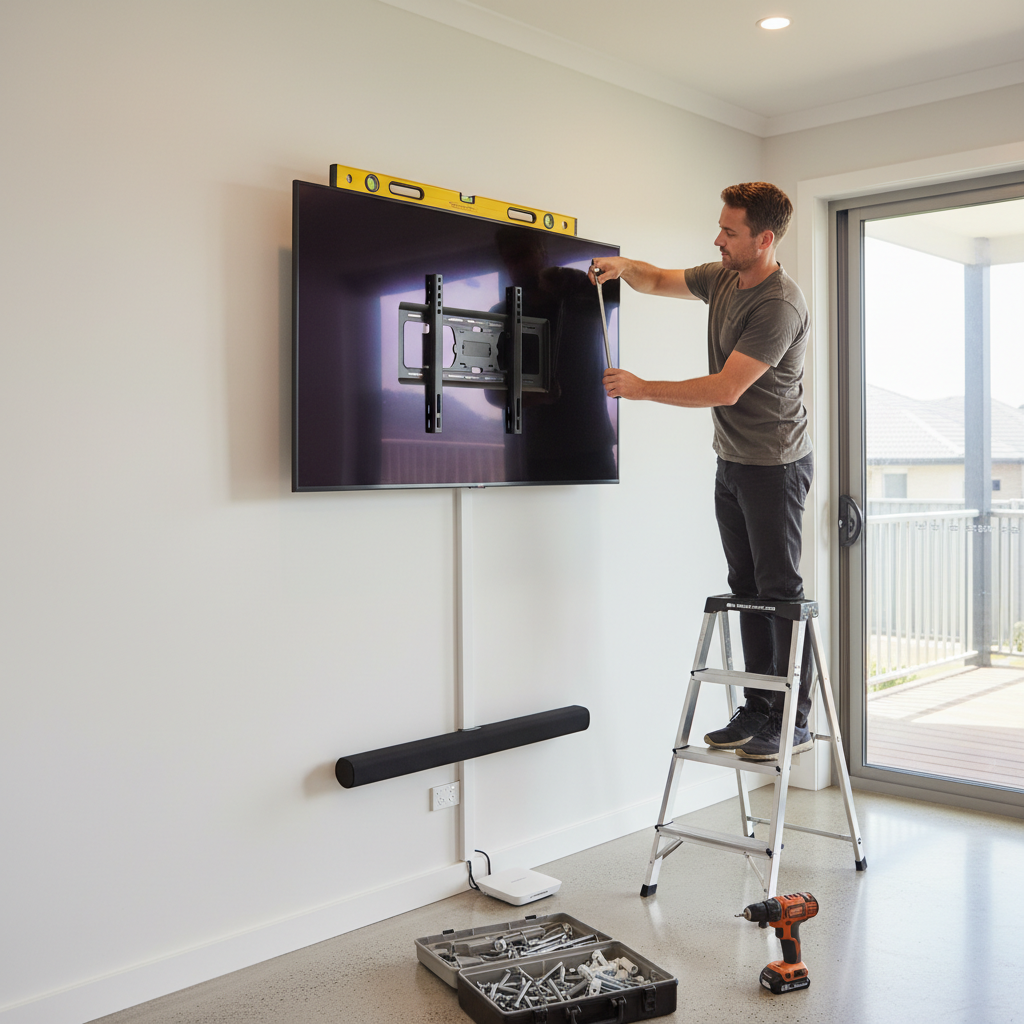
Tools and materials
Tools
- Drill with bits (wood and masonry)
- Stud finder
- Tape measure
- Spirit level
- Pencil
- Phillips and flat screwdrivers
- Spanner or socket set
Materials
- VESA-compatible wall mount (matched to your TV size and weight)
- Wall plugs (for brick) or coach screws (for stud)
- Cable raceway or in-wall cable channel kit
A wall-mounted TV looks better and frees up the bench. The mount itself is straightforward woodwork. The trap most people hit is the cabling, specifically, trying to hide the power cable inside the wall without a sparky.
This guide covers the carpentry side. The cable-hiding side is where you draw the line between DIY and licensed work.
The cable rule, in plain language
Mains power cable can only sit inside a wall if it’s installed by a licensed electrician using approved conduit and terminations. Putting a regular extension cord through a plasterboard hole is a fire-safety hazard and breaches the wiring rules.
The legal cable management options for DIY:
- Surface raceway, plastic channel screwed to the wall surface, cables run inside. Visible but legal.
- Cord-only in-wall passthrough kits, sold as “TV cable hider” kits, route low-voltage signal cables only (HDMI, ethernet, speaker). Mains power has to go separately to an existing outlet.
- Sparky-installed recessed outlet, a new power point behind the TV plus a low-voltage faceplate for AV cables. Typically $150 to $300 to add.
Mixing #1 and #3 is the common Aussie solution. Sparky adds a power point behind the TV, you run the HDMI through a surface raceway from the source device. Clean look, all legal.
Step by step
-
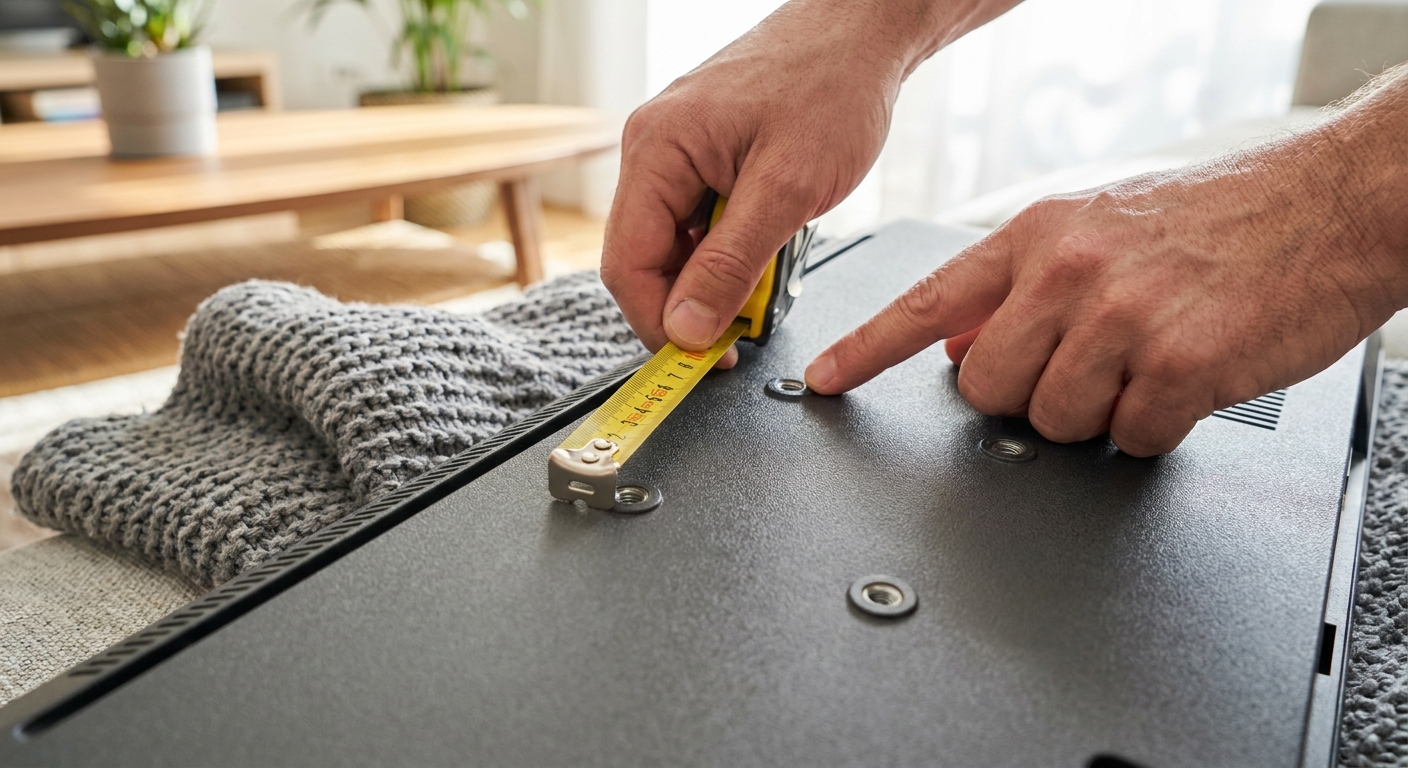
Look up your TV's VESA pattern (the four-hole spacing on the back, like 200x200 or 400x300, in mm) and weight. The mount must match both. Buying a 400x300 mount for a 200x200 TV means it won't bolt up. Buying a 30kg-rated mount for a 35kg TV means it sags or tears out of the wall.
-
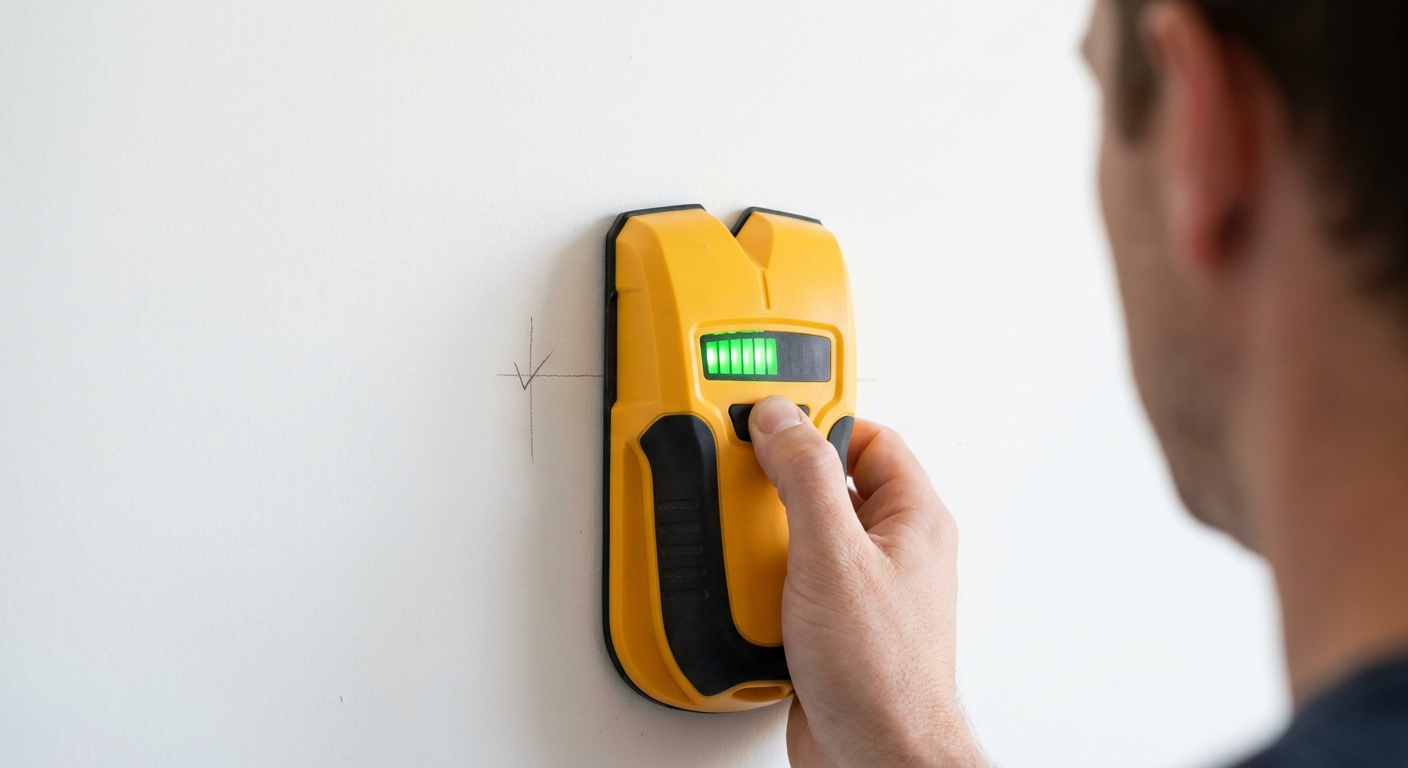
Run the stud finder horizontally where you want the TV. Mark every stud with a pencil. Australian studs are 450mm or 600mm apart in most houses. The mount must bolt into at least two studs, never just plaster. Brick wall: no studs needed, but use masonry plugs rated for the load. Hebel or block: use load-rated fixings designed for that material.
-
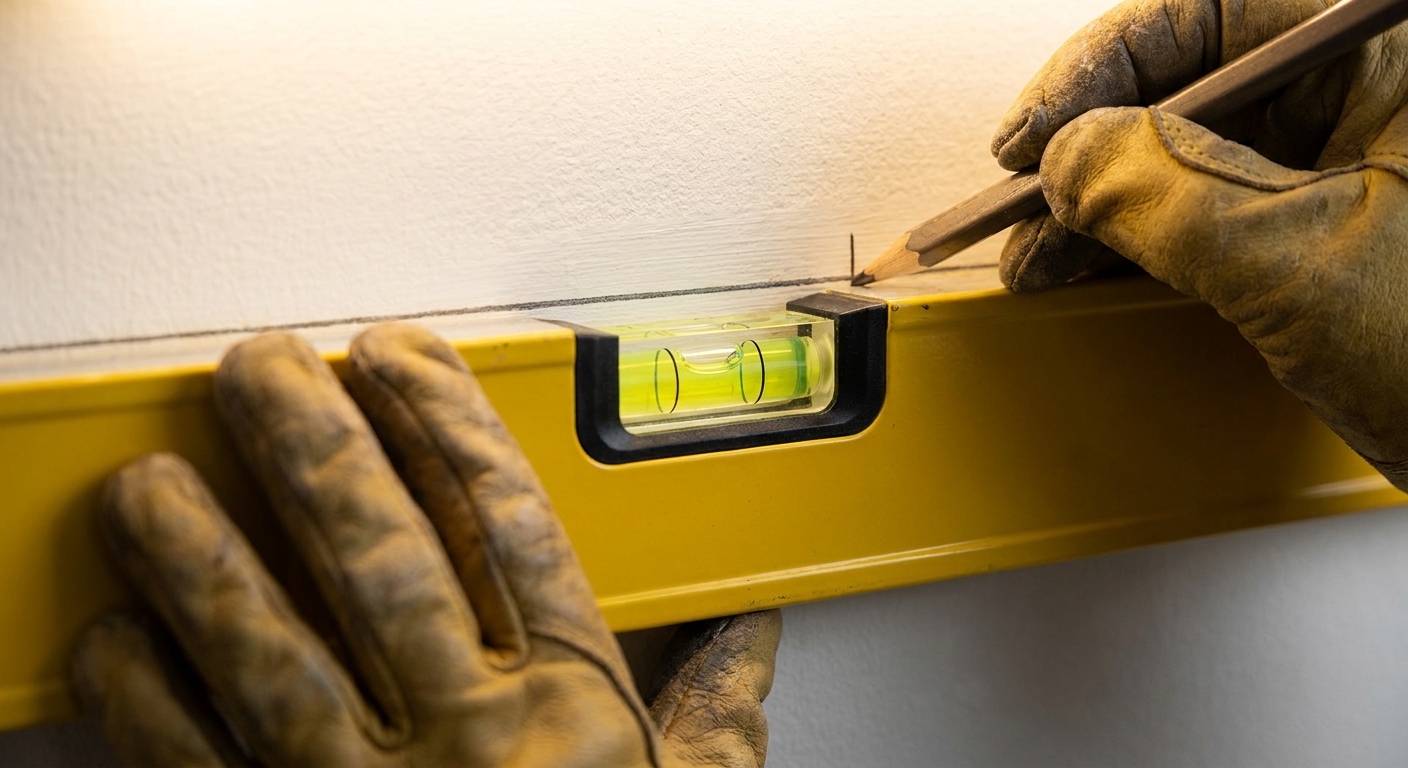
Eye-level when seated is the test. For most living-room sofas, that's the centre of the TV around 105 to 115cm from the floor. For a bedroom TV viewed lying down, slightly higher. Mark where the bottom edge of the wall plate sits, and use the spirit level to draw a level line.
-
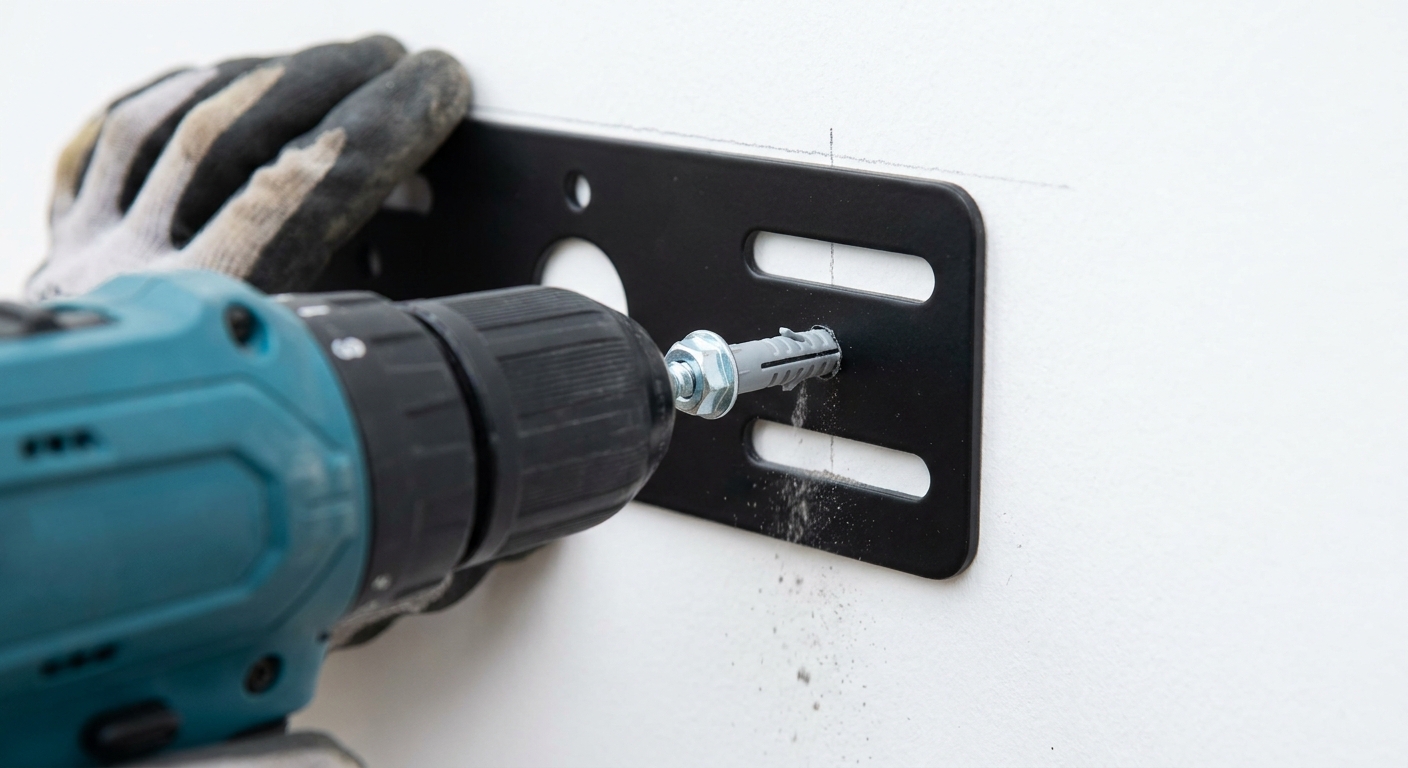
Hold the wall plate to your level line, mark the screw holes. Drill pilot holes (use a smaller bit than the screw for timber, full plug size for brick). Insert plugs if brick. Drive the supplied screws or coach screws. Tighten firmly but don't over-torque on plaster, the plug should be flush with the wall.
-
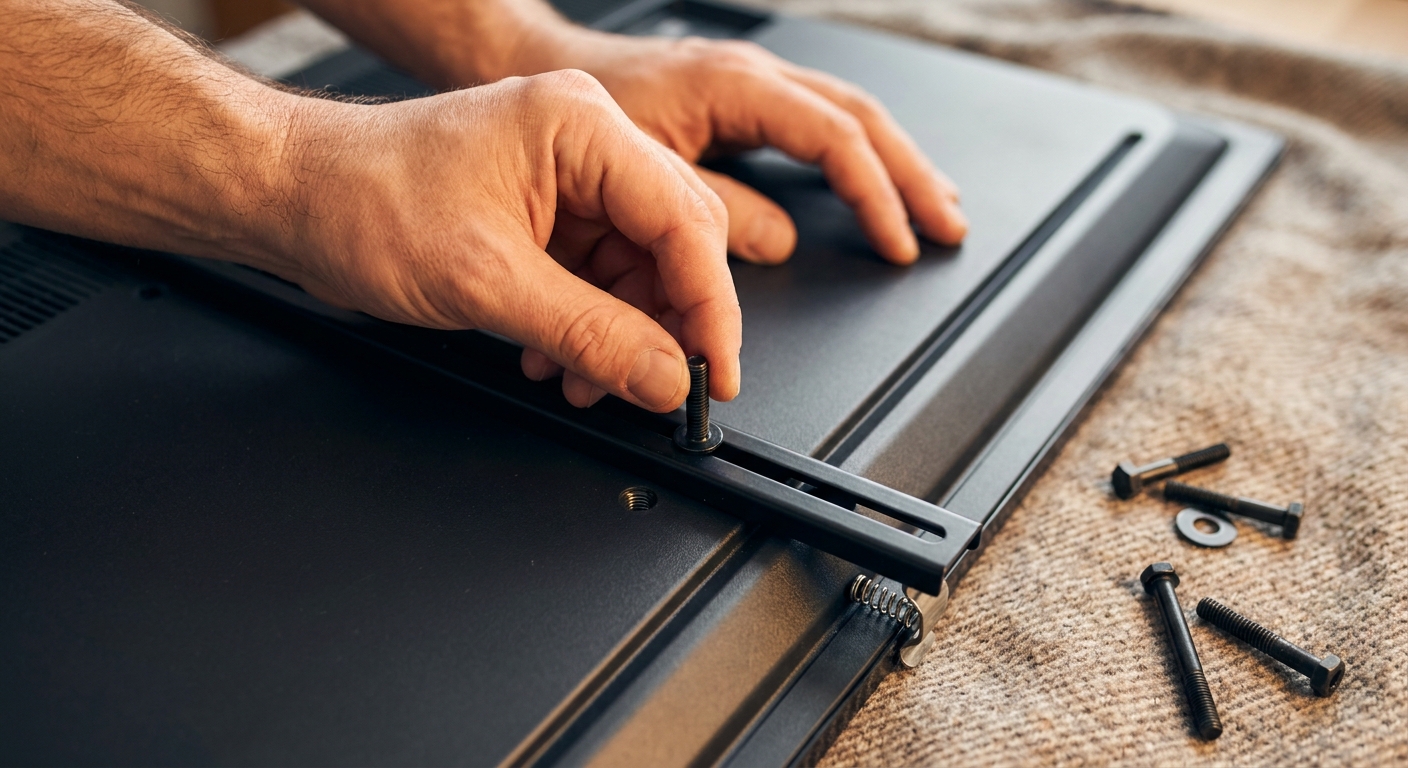
Bolt the TV-side bracket to the back of the TV using the VESA bolts in the kit. Most kits include several lengths, pick the shortest that engages all 4 holes (longer ones can damage internal components). Hand-tight is fine, the bracket carries the weight, not the bolt torque.
-
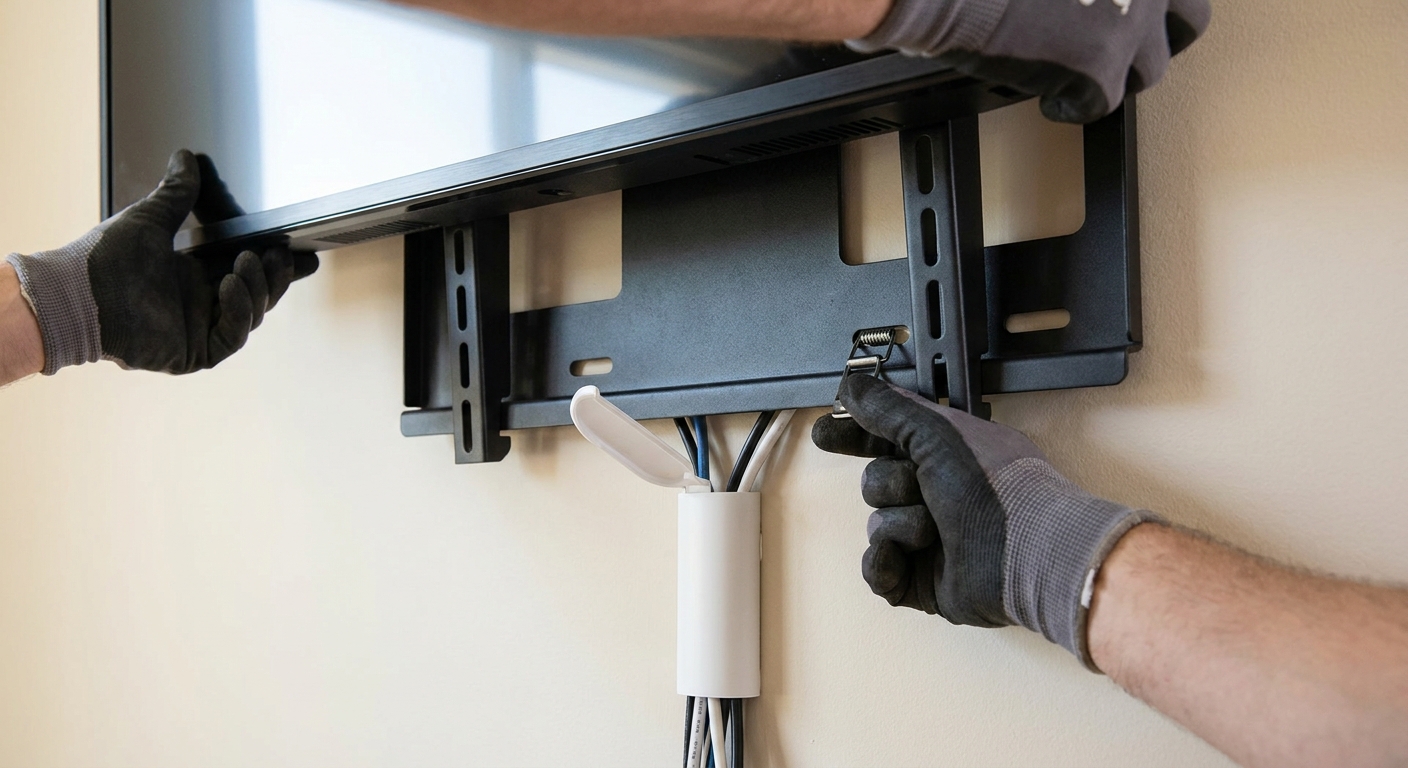
Lift the TV onto the wall mount with a helper, never solo. Engage the locking mechanism (most have a click-in or push-down catch). Run cables down the wall through a surface raceway, or have a sparky run a recessed cable channel and add a recessed power point behind the TV. Don't run mains power through a generic plastic channel, mains needs licensed cable in a proper recessed conduit, or the existing outlet relocated.
Frequently asked questions
Do I need a sparky to wall-mount a TV?
Not for the mount itself. The mount is woodwork. You only need a sparky if you want a recessed power point behind the TV (so the cable doesn't show), or you want to run mains cable in-wall. Anything that touches mains wiring is licensed electrical work in every Australian state.
Can I mount a TV on plasterboard with no stud behind it?
For very small TVs (under 32 inch / 8kg), heavy-duty toggle bolts can carry the load. For anything larger, no. Bolt into studs. If your studs don't line up with where you want the TV, mount a stud-finder board (a piece of plywood) onto two studs first, then mount the TV to the plywood.
How high should I mount the TV?
Centre of the screen at seated eye level. Measure from the floor to your eyes when seated, that's the centre point. For most adults on a standard sofa it's 105 to 115cm. Going higher tilts your neck back, which gets old fast.
My new TV is curved/OLED/heavy, does that change the mount?
Yes. OLED panels are thinner but no lighter. Heavy panels need full-motion mounts rated 1.5x the panel weight at minimum. Curved screens need wall-flush brackets, never full-motion (the curve gets weird at angles).